
Your inbox, sorted by what needs you.
Enveliq is a private email assistant that runs on your own computer. It reads your mail, tells you what needs a reply, follows your parcels, and keeps everything else out of your way.
Install Enveliq See what it does
Free to use. Your mail stays on your computer. About 15 to 30 minutes to set up, with a step-by-step guide for every kind of computer.
Email takes your attention. Enveliq gives it back.
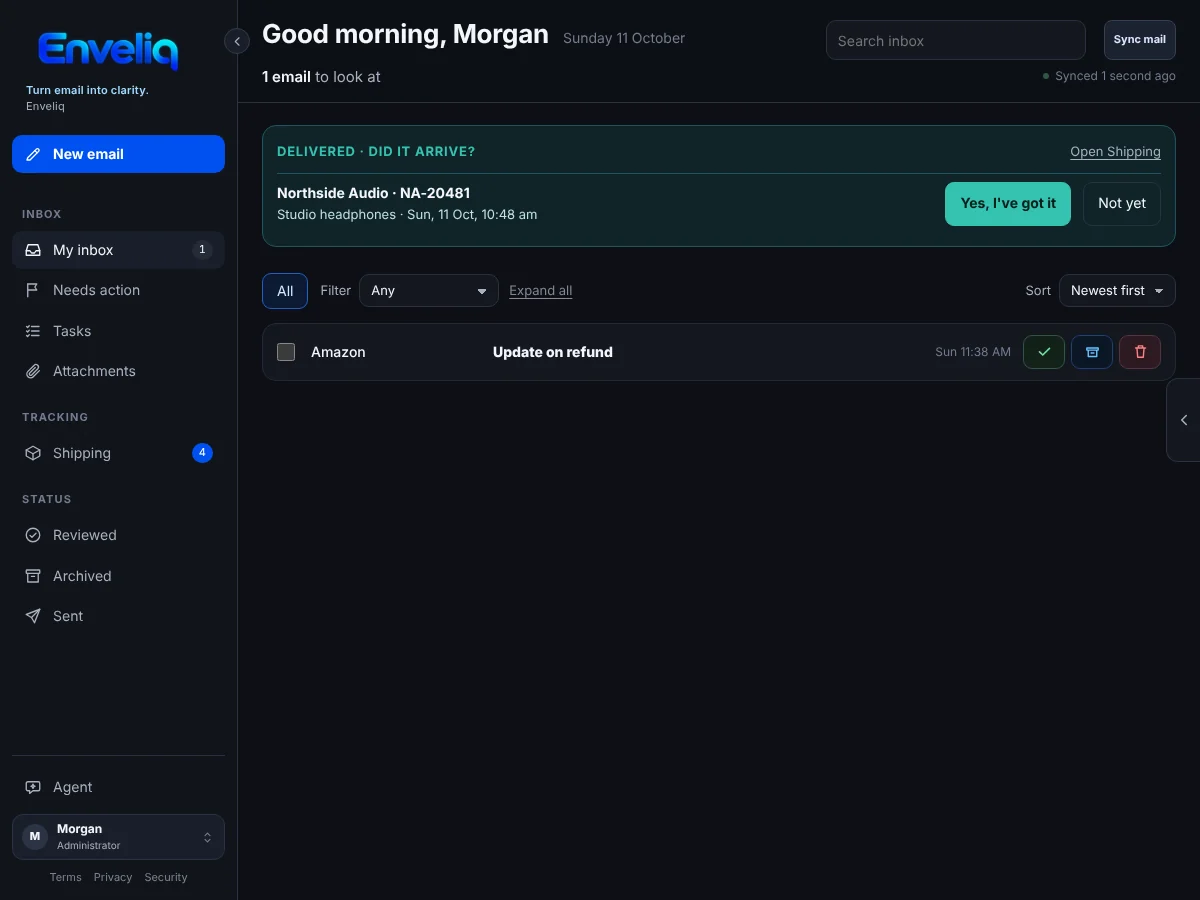
Most of your email does not matter. A few messages do: the bill due on Friday, the school form, the parcel that has not arrived, the question someone is waiting for you to answer. Enveliq finds those few so you do not have to open everything.
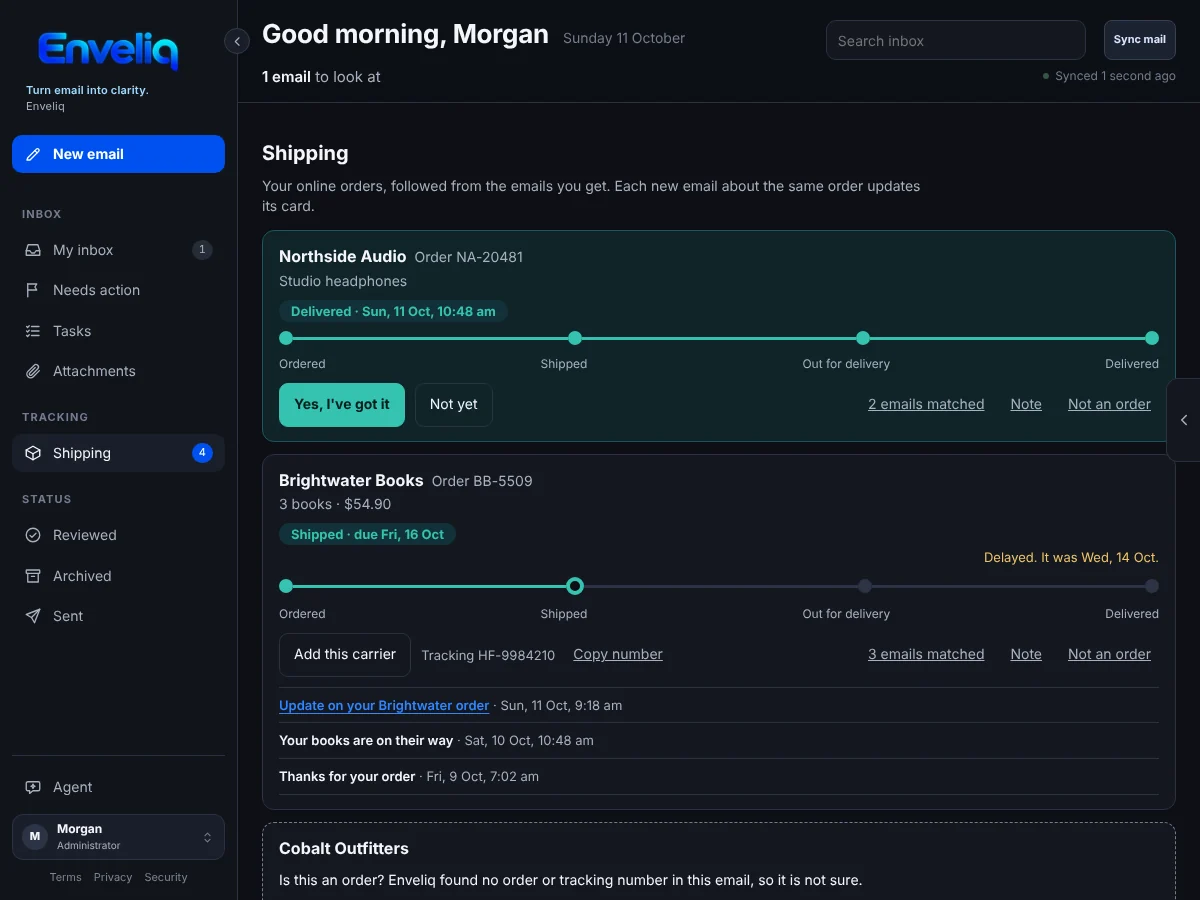
Parcels follow themselves
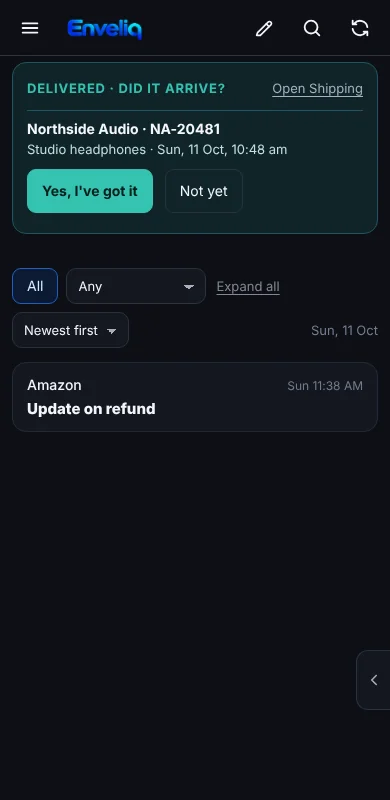
Order confirmations, shipping updates and delivery emails are matched up into one card for each order. When something should have arrived, Enveliq asks you a simple question: did it get there?
Enveliq never contacts a courier for you. When you tap a tracking link, your own browser opens the courier's page.
Help with the words, never in charge of them
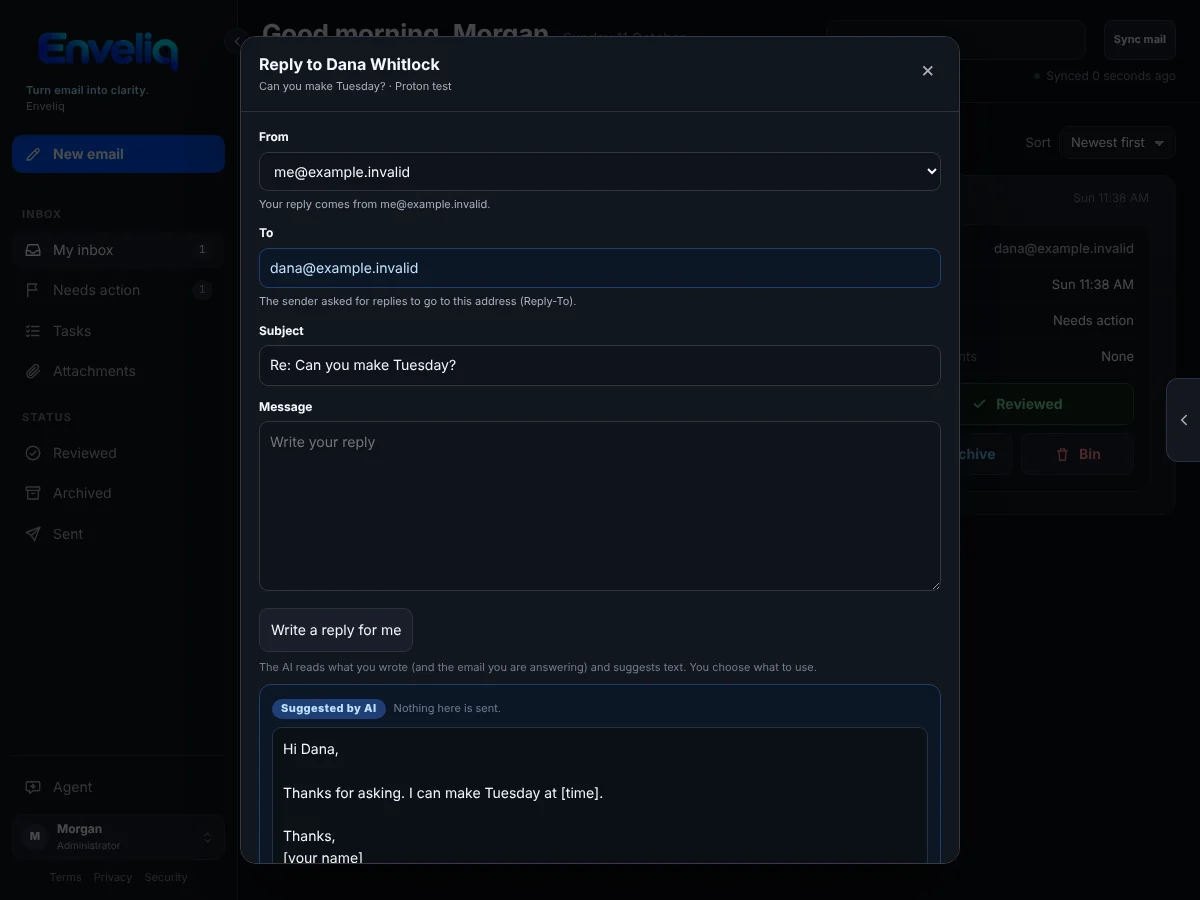
Stuck on a reply? Press one button and the AI suggests one, or checks the one you wrote. The suggestion appears in its own box, labelled as written by AI. You choose what to use, and nothing is sent until you press Send.
Writing help is off until each person turns it on, and the instructions it follows are yours to edit.
- Short summaries
- One or two plain lines for each email, written by the AI you choose, and always labelled as AI.
- Needs action
- Emails that want something from you rise to the top. The rest can wait.
- Tasks that find you
- Things to do are picked out of your email with their dates, and can go to your calendar or to-do list.
- Waiting for reply
- A gentle reminder about emails you sent that nobody has answered.
- Attachments
- A summary and a safe preview of PDFs and other files. The files themselves are never kept.
- Every mailbox you use
- Gmail, Outlook and Microsoft 365, iCloud, Yahoo, Fastmail, Proton Mail and any other service that supports IMAP.
- One household
- Everyone gets their own sign-in and their own private view, with a small private chat between you.
- One-tap unsubscribe
- Leave a mailing list with one button, when the sender allows it.
How it works
- You connect your email. Enveliq reads only the sender, subject and reply address to build the list. It fetches a full message only when you open it.
- The AI you choose writes the summaries. Use a cloud AI service, or a model running on your own network so that nothing leaves your home.
- You see what needs you. A calm page of what to do today. Enveliq keeps only the short summaries, encrypted, on your computer.
Private by design
- Raw emails and attachments are never stored. Only short summaries are kept, in an encrypted vault on your own machine.
- One person's mail is never visible to another. Administrators run Enveliq without reading anyone's mail.
- Email is treated as untrusted. The AI is told that email text is only data, is given no tools, and never decides anything for you.
- Strong sign-in. Strong password storage, authenticator apps, passkeys, recovery codes and single sign-on.
- No tracking. No telemetry, no ads, no account with us, and the pages load nothing from other websites.
Install it your way
You do not need to know Linux or Docker. Each guide says exactly what to click or type, one small step at a time.
Questions
Is it free?
Yes. You may pay for an AI service if you choose a cloud one. Running a model on your own network costs nothing.
Do I need an AI account?
Enveliq works best with an AI model to write the summaries. You can install first and add the AI later. See AI summaries.
Can the AI see my email?
The AI you choose reads an email to write its summary. With a cloud AI service, that text goes to that service under its own privacy terms. If that matters to you, use a model on your own network and nothing leaves your home. Enveliq itself keeps only the summary.
Can it send or delete my email?
It can send a reply, but only when you press Send. It never sends, deletes or changes anything on its own, and the AI cannot do any of those things.
Do I have to open it to the internet?
No, and by default you should not. Use it on one computer, on your home network, or privately from anywhere with a free Tailscale account. See opening Enveliq from your phone.
What if I lose my phone?
Two-factor sign-in gives you ten one-time recovery codes. Keep them somewhere safe. See first-time setup.
Which computers does it run on?
Anything that can run Docker: Windows, Mac, Linux, a NAS, a mini PC, a Proxmox server or a Raspberry Pi 4 or 5.